# intergrav/dev.css
[](https://www.npmjs.com/package/@intergrav/dev.css) [](https://cdn.jsdelivr.net/npm/@intergrav/dev.css/) [](https://github.com/intergrav/dev.css)
Tiny, simple, classless CSS framework in the style of Vercel's [Geist](https://vercel.com/geist) design system. Inspired by [xz/new.css](https://github.com/xz/new.css).
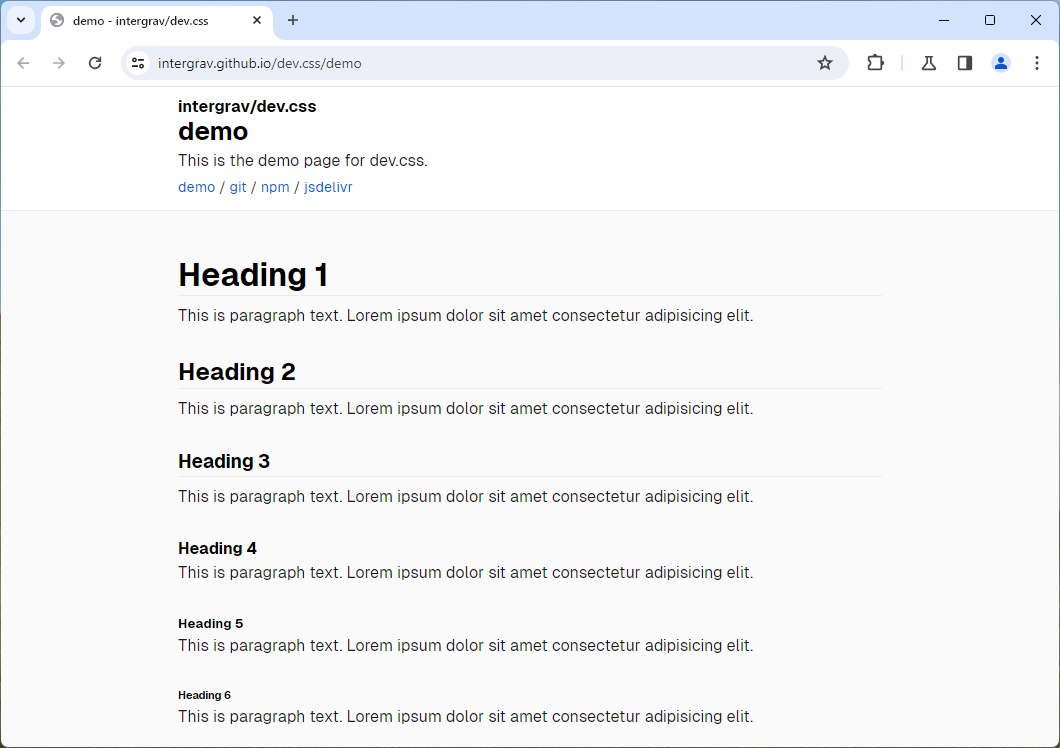
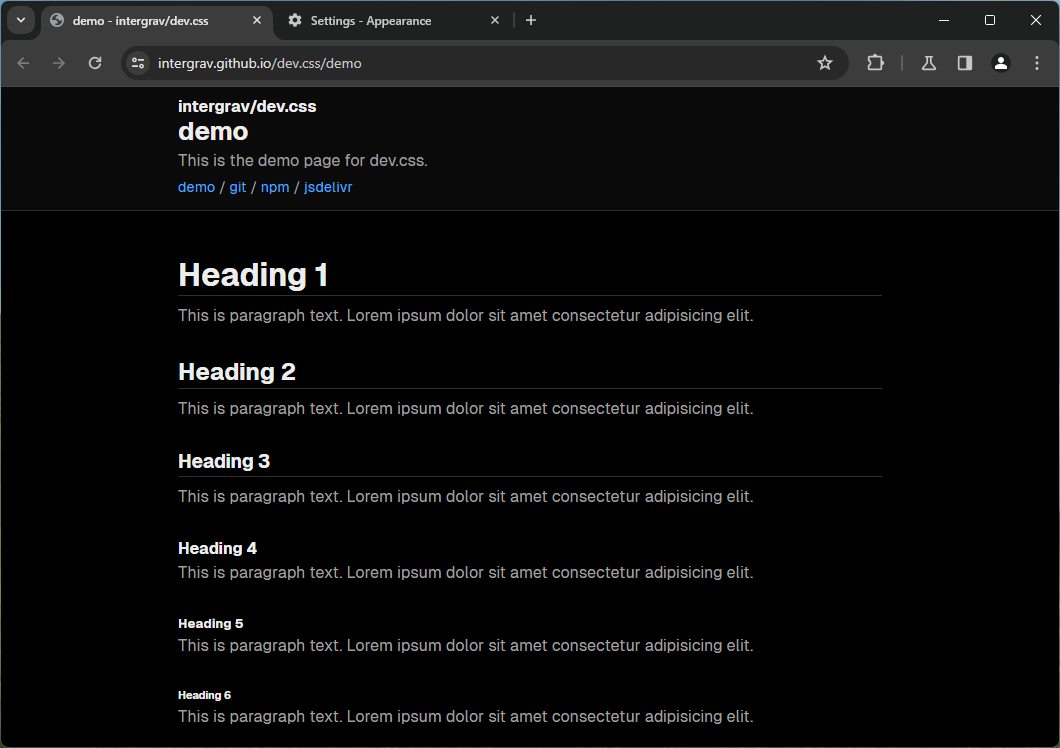
The minified stylesheet weighs only **~4.8kb** and can make any plain HTML file look clean and modern. It also has a light and dark theme.
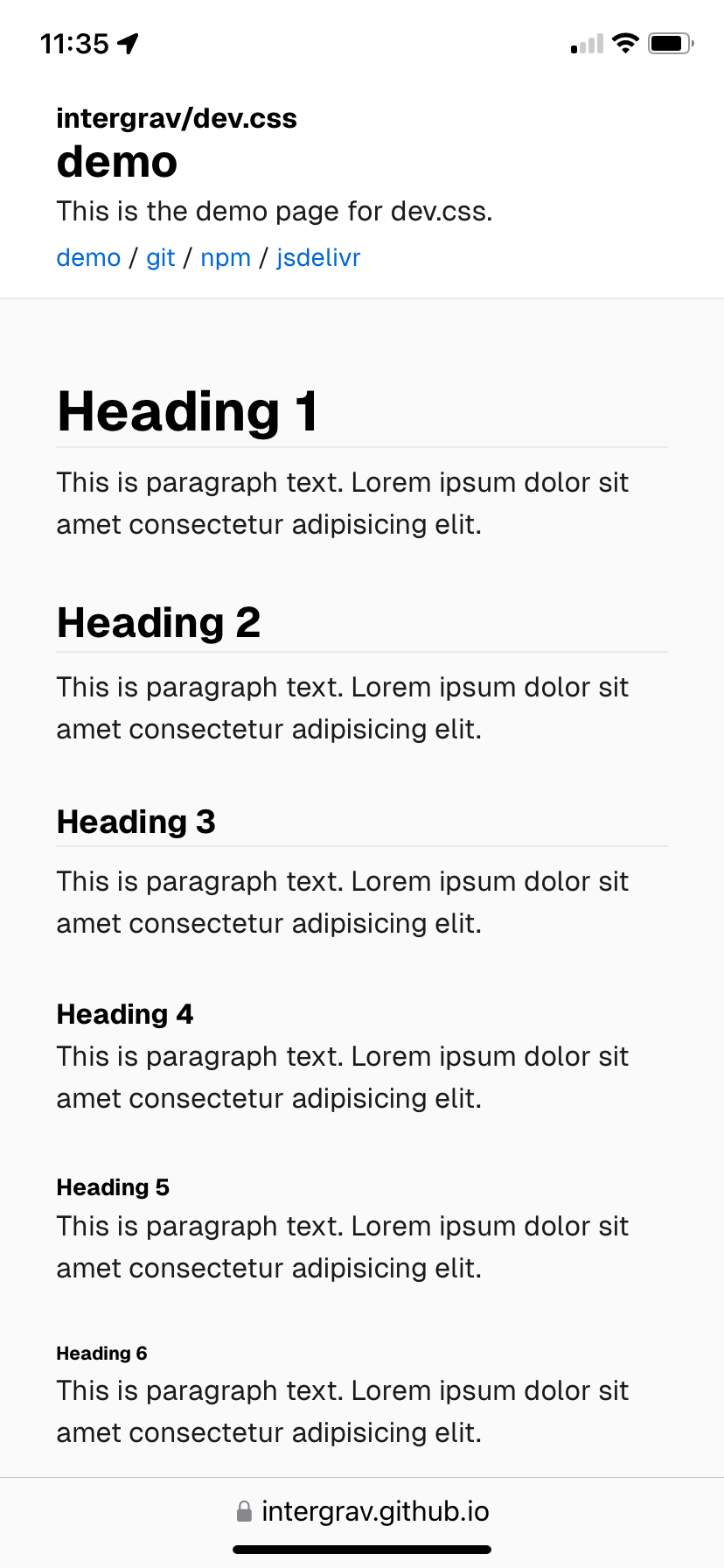
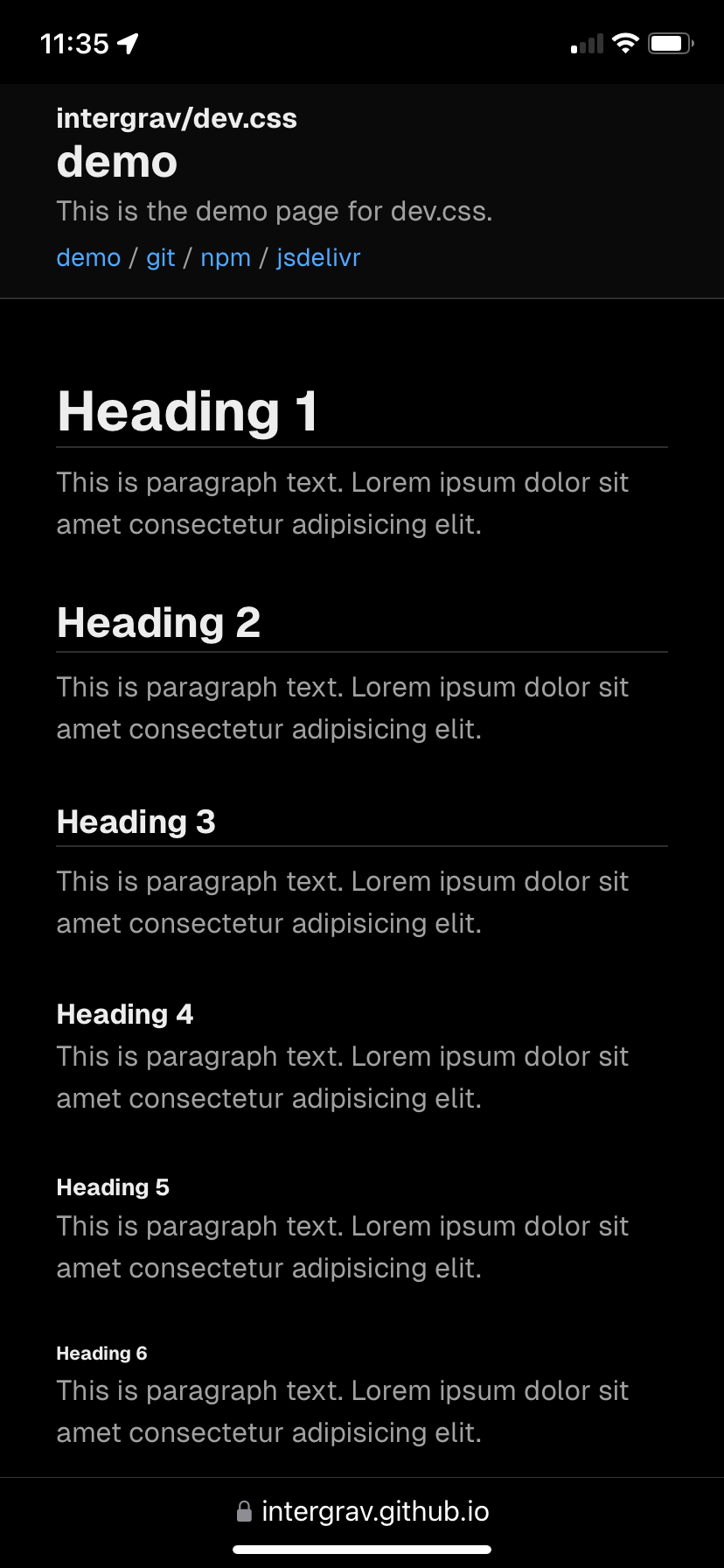
Preview
## Importing
In your HTML's `` all you have to write is this, and you're done! (`.min` means to minify the file)
```html
```
I also recommend adding a font through [intergrav/fonts](https://github.com/intergrav/fonts). Geist or Inter work with dev.css out of the box. It will use the default system/browser san-serif fonts if those are not available.
### Geist Font
```html
```
Recommended monospace variant:
```html
```
### Inter Font
```html
```
## Elements
dev.css takes advantage of semantic HTML elements. Here are some guidelines on how these should be used for the best results.
### Header
Use the `` tag to create a large header for your page. Only use this at the very top of your ``, or else it may look wonky.
For the title, the header should contain an `
` tag. You can also add an `
` tag before the `
` tag if you want to show extra information.
If you need a navigation bar, you can add a `